Managing Form Availability and Closures
Control Your Data Collection Lifecycle
In FlowyForm, you have full control over when your audience can access your forms. Whether you're running a limited-seat event or a time-sensitive survey, you can manage these settings from a single central location.
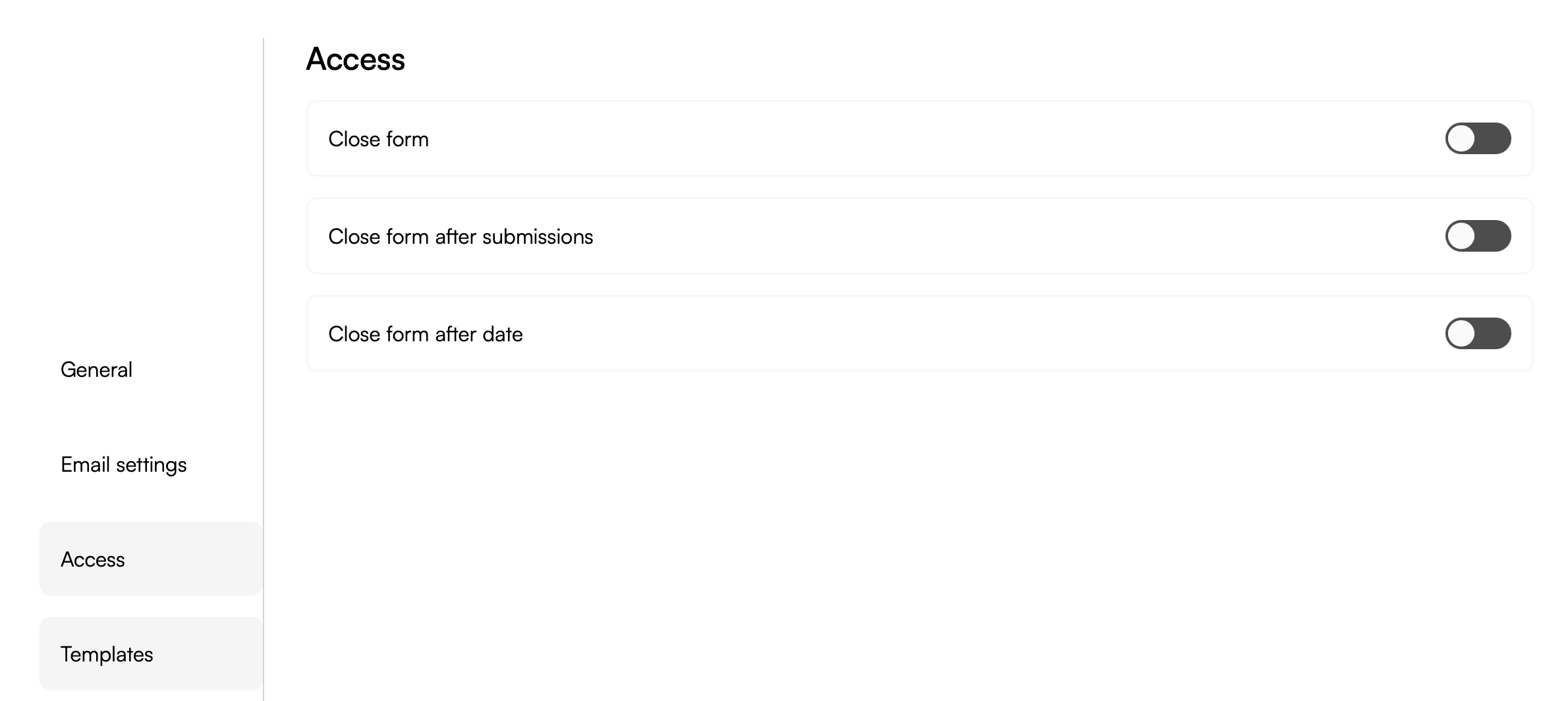
All access controls are found in the Settings tab under the Access subtab in the left-hand menu.
1. Manual Form Closure
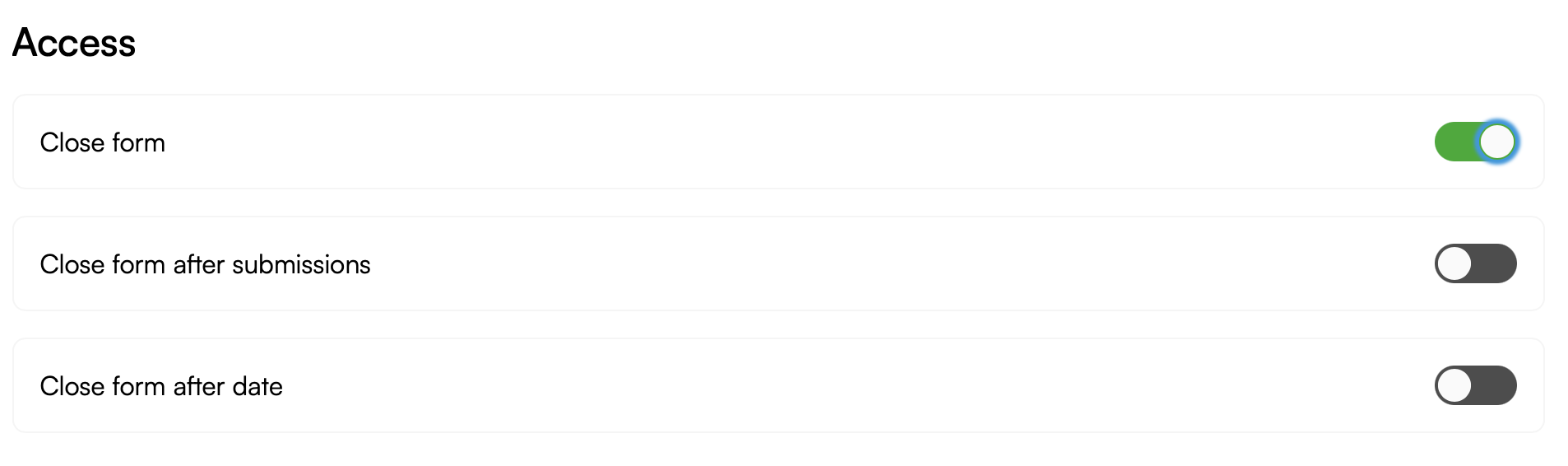
If you need to stop accepting responses immediately, you can use the manual toggle. This is the fastest way to take a live form offline without deleting it.
- Go to Settings > Access.
- Switch the Close form toggle to the active position.
2. Automated Submission Limits
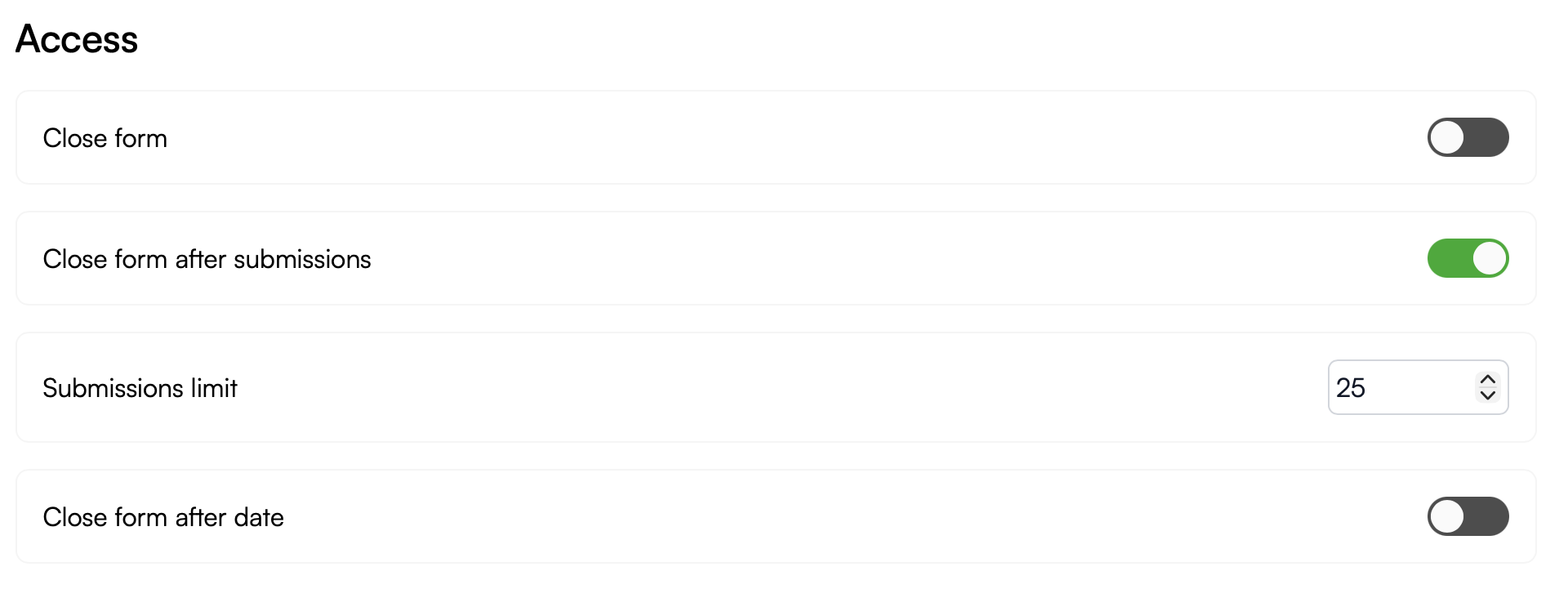
For campaigns with a strict capacity—such as a giveaway for the first 25 entrants or a workshop with limited seating—you can automate the closure based on the number of responses received.
- Enable the Close form after submissions toggle.
- Enter your cap in the Submissions limit field.
Once this threshold is met, the form will automatically stop accepting new entries and display your "Closed" message to any further visitors.
3. Automated Date Deadlines
Stop late submissions by setting a hard deadline. This is ideal for job applications, contest entries, or event registrations that must end at a specific time.
- Enable the Close form after date toggle.
- Specify your desired date and time in the Date limit selector.
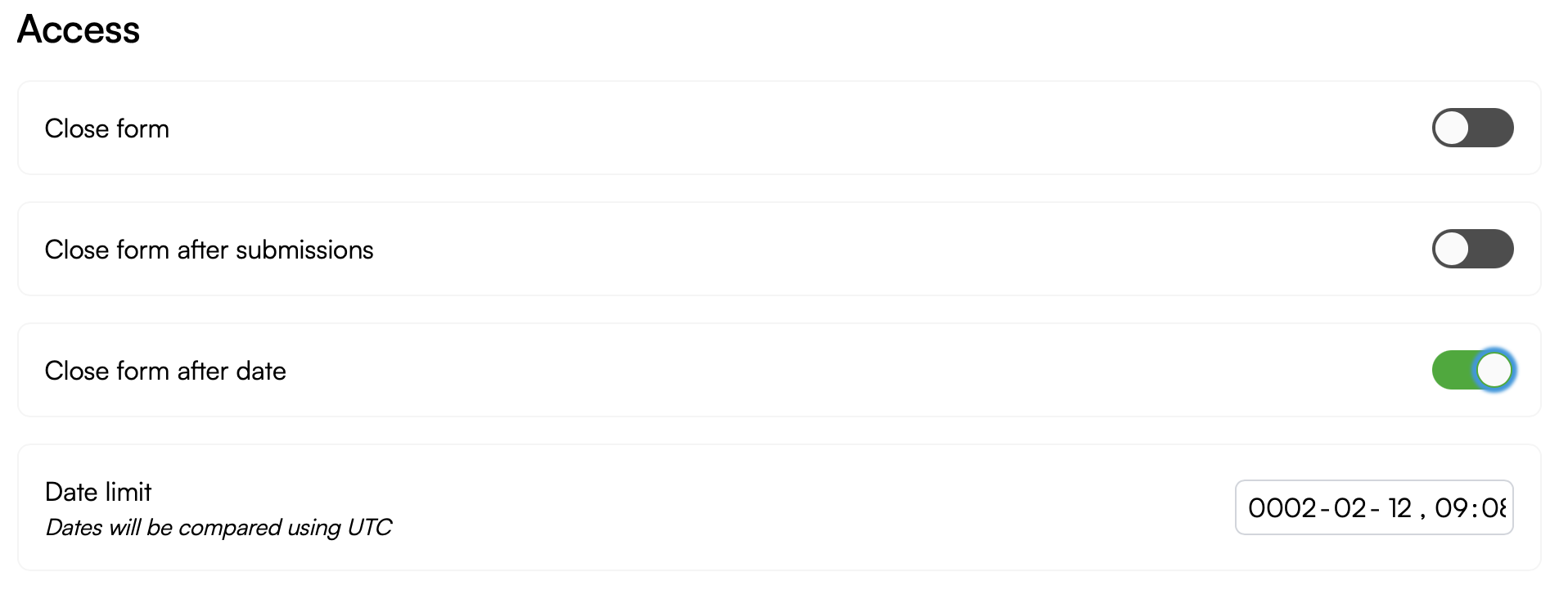
Pro-Tip on Timezones: FlowyForm compares these limits using UTC time. Be sure to adjust your local deadline to UTC to ensure your form closes at the exact moment you intended.
What Happens When a Form Closes?
When any of the above conditions are met, respondents who try to access your form URL will see a professional "This form is now closed" screen. You can re-open the form at any time by simply toggling these settings off or increasing your limits.